Arabic Calligraphy Generator
Type Arabic or English, pick a style, then copy the text or download PNG, SVG or PDF. Free, no account, harakat supported.
Latin letters are converted to Arabic as you type. Double a vowel to make it long — salaam → سلام, kitaab → كتاب — because Arabic writes long vowels and omits short ones. Arabizi numbers work too (3 = ع, 7 = ح, 5 = خ). The conversion is approximate; check it before using it on anything permanent.
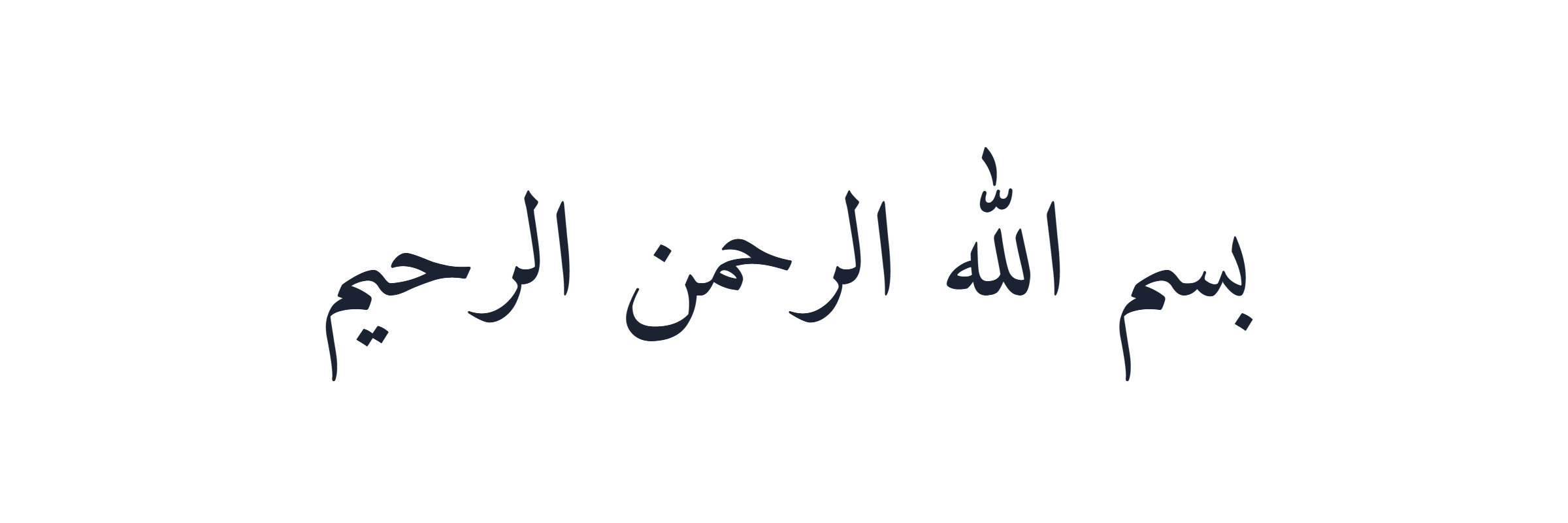
How to make Arabic calligraphy in 3 steps
The generator above needs nothing installed and no account. It runs entirely in your browser, which also means your text is never sent to a server.
- Type your text. Paste Arabic straight in, or type it in Latin letters and it is converted as you type. If you want more control over the Arabic itself, write it on our online Arabic keyboard first and paste the result here.
- Pick a style. Each chip below the preview renders the word بسم الله in its own font, so you can see the difference before you choose. Sizes, colours, spacing and background update live.
- Take it away. Press Copy text for real Unicode Arabic you can paste anywhere, or download a PNG, an SVG or a PDF.
For writing a personal name rather than a phrase, our dedicated write your name in Arabic page has a curated database of spellings and is more reliable than automatic conversion.
Copy and paste Arabic calligraphy
This is the part most generators get wrong, so here is the honest mechanics of it.
Arabic calligraphy is not a set of special characters. It is ordinary Arabic text drawn with a particular typeface. That has one very useful consequence and one limitation:
- What copies: the letters themselves, as real Unicode Arabic. Paste them into WhatsApp, Instagram, Word, a tattoo brief or an email and they arrive as proper, searchable, screen-reader-friendly Arabic.
- What does not copy: the look. The Kufic or Nastaliq shaping comes from the font, and the font does not travel with the text. Paste it into Instagram and Instagram renders it in Instagram’s font.
Sites that promise “copy and paste calligraphy fonts” are usually copying Unicode look-alike characters from mathematical or presentation-form blocks. Those break in search, break in screen readers, and often render as empty boxes on phones. We do not do that, and we would rather explain why than pretend.
The main calligraphy styles, and when to use each
The 22 fonts in the picker are grouped by the script family they actually belong to. Every one is published under an open licence (SIL Open Font License or Apache 2.0).
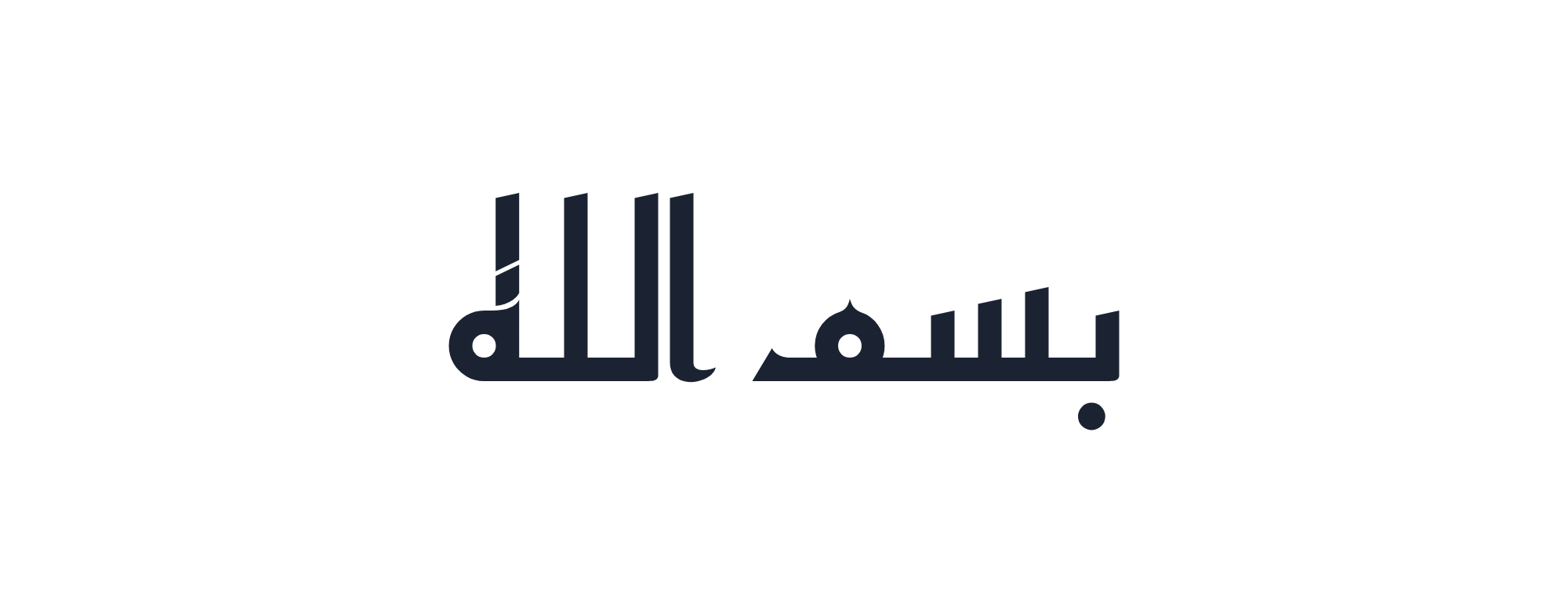
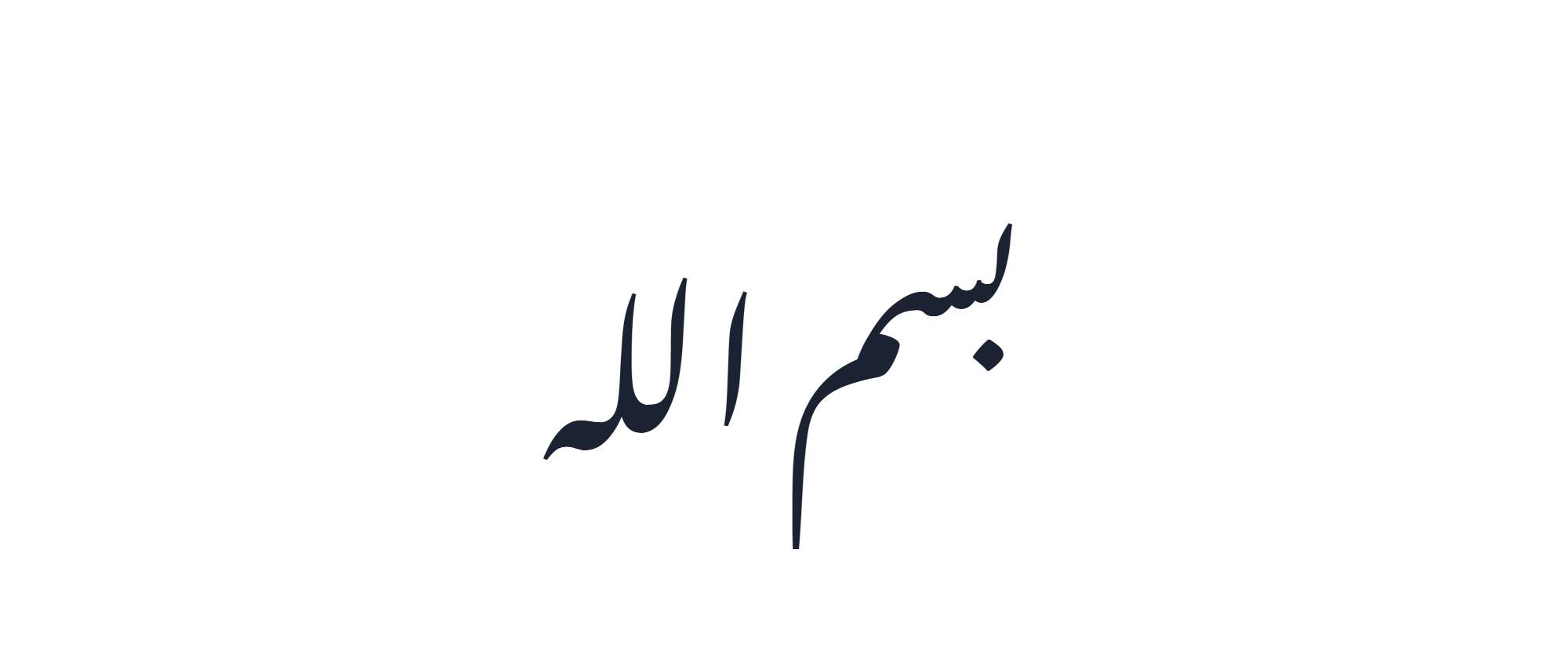
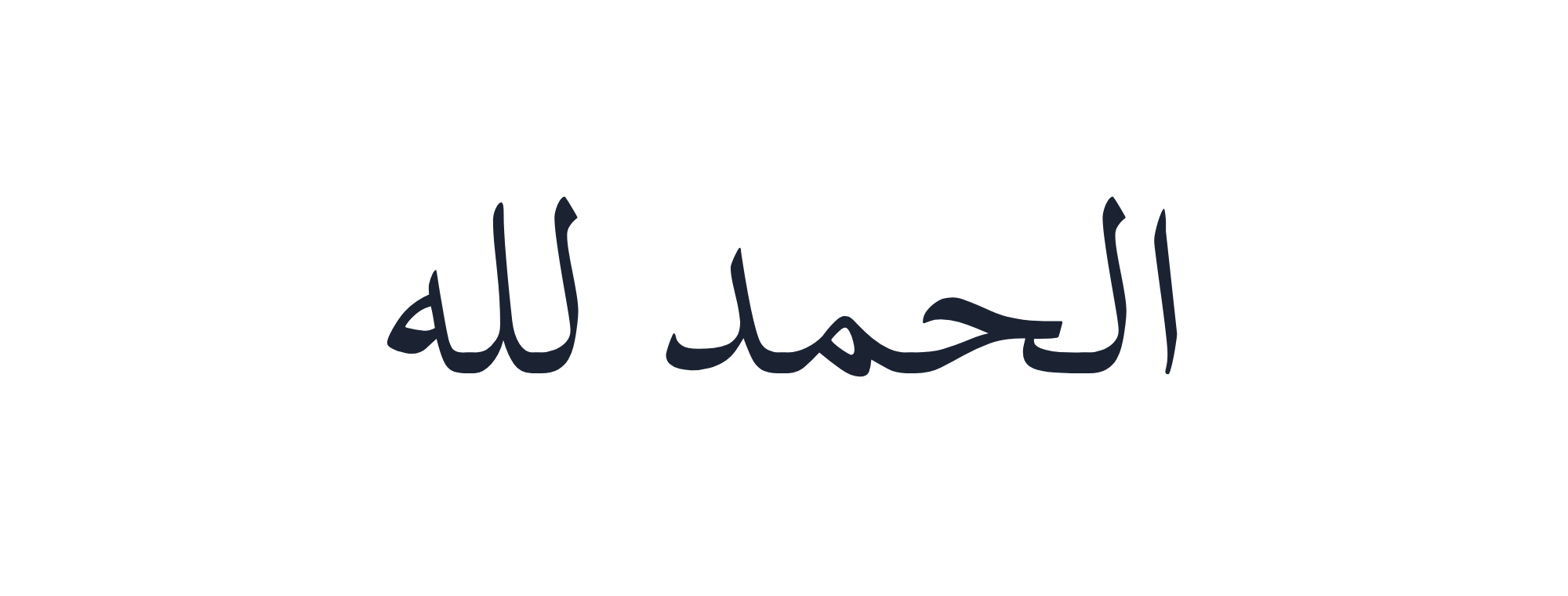
| Family | Fonts here | How to recognise it | Good for |
|---|---|---|---|
| Naskh النسخ | Amiri, Amiri Quran, Noto Naskh Arabic, Scheherazade New, Lateef, Harmattan | Rounded, even, highly legible; the shape most printed Arabic uses | Body text, Qur’anic quotation, anything that must be read easily |
| Kufic الكوفي | Reem Kufi, Noto Kufi Arabic, Kufam, Qahiri | Angular and geometric — straight lines, sharp corners, flat baseline, almost no curvature | Logos, titles, wall art, anything that should look carved rather than written |
| Nastaliq النستعليق | Noto Nastaliq Urdu, Gulzar | Steeply sloping, hanging baseline; words cascade down to the left | Persian and Urdu poetry, invitations, elegant single lines |
| Ruq’ah الرقعة | Aref Ruqaa | Short, compact strokes; the everyday handwriting script of the Arab world | Signage, headings, a handwritten feel |
| Display | Rakkas, Lalezar, Jomhuria, Katibeh, El Messiri, Mirza, Markazi Text, Cairo, Tajawal | Modern designs, not historical scripts | Posters, branding, UI, anything contemporary |
Download as PNG, SVG or PDF — which to pick
| Format | Pick it when | Notes |
|---|---|---|
| PNG | Social posts, quick sharing, dropping into a document or a slide | Exports at 2× for a sharp result. Tick Transparent PNG and the background is removed entirely, so it sits on any colour. |
| SVG | Logos, printing at any size, editing later in Illustrator, Inkscape or Figma | Vector, so it never pixelates. The font is embedded inside the file, so it looks the same on a machine that does not have the font installed. |
| Sending to a printer, a workshop, an engraver or a jeweller | A single page sized to the artwork. The PDF is flattened onto the background colour, so transparency does not apply to it. |
None of the three carries a watermark and none requires an account.
Arabic calligraphy with harakat (tashkeel)
Harakat — الحركات, the short-vowel marks — are switched on by default here, and the Keep harakat checkbox strips them if you would rather have the bare letterforms.
This matters more than it looks. In religious text, in poetry and in anything a learner will read, the harakat change the pronunciation and sometimes the meaning. In a logo they are usually removed, because they clutter a mark that has to work at small sizes.
One caveat worth knowing: not every font positions harakat equally well. The Naskh faces — Amiri, Amiri Quran, Scheherazade New and Noto Naskh Arabic — were designed with careful mark positioning and handle them best. Some display fonts place them approximately. Check the preview at a large size before you commit.
If you need to type harakat rather than paste them, our Arabic keyboard with harakat puts every mark on a key.
Making an Arabic logo or monogram
For a mark rather than a sentence, three practical rules:
- Use a Kufic face. Reem Kufi, Kufam and Qahiri hold their shape at small sizes because they are built from straight lines. Nastaliq, beautiful as it is, becomes unreadable in a favicon.
- Export SVG, not PNG. A logo will be scaled to a business card and to a shop sign. Only the vector survives both.
- Turn harakat off. Almost every Arabic wordmark you can think of omits them.
Set the background to transparent, download the SVG, and you have a file a designer can open and refine. Do check the letterforms with a native reader before anything is printed — a generator sets type, it does not proofread.
Islamic phrases in calligraphy
The most-requested phrases, ready to paste into the box above:
| Phrase | Arabic | Meaning |
|---|---|---|
| Bismillah | بِسْمِ اللهِ الرَّحْمَنِ الرَّحِيمِ | In the name of God, the Most Gracious, the Most Merciful |
| Alhamdulillah | الْحَمْدُ لِلَّهِ | Praise be to God |
| Mashallah | مَا شَاءَ اللهُ | What God has willed |
| Inshallah | إِنْ شَاءَ اللهُ | If God wills |
| Subhanallah | سُبْحَانَ اللهِ | Glory be to God |
| Allahu akbar | اللهُ أَكْبَرُ | God is the greatest |
| La ilaha illallah | لَا إِلَهَ إِلَّا اللهُ | There is no god but God |
| Assalamu alaikum | السَّلَامُ عَلَيْكُمْ | Peace be upon you |
These are given with full harakat because that is how they are conventionally written. Untick Keep harakat if you want the plain letterforms for a design.
Using it for tattoos, jewellery and wall art
With that said, the practical settings: export SVG so the studio can scale it cleanly, turn the background transparent, and pick a font with weight in the strokes — Amiri or Aref Ruqaa hold up in ink better than a thin display face. For engraving on jewellery, ask for the SVG and expect the engraver to simplify fine harakat.
Want the font file instead?
A lot of people searching for a calligraphy generator actually want the .ttf or .otf file so they can use the style in Photoshop, Canva or Word. That is a different thing, and we do not host font files.
Every font in the picker above is free and openly licensed, and all of them come from Google Fonts, where you can download the family directly and legally. Search the family name — Amiri, Reem Kufi, Aref Ruqaa, Scheherazade New and so on.
Is AI calligraphy any good?
Short answer, as of today: for decoration sometimes, for text no.
Image models generate Arabic that looks right at a glance and falls apart on inspection — letters that do not join, invented glyphs, harakat scattered where no reader would put them, words that are not words. The reason is structural: the model is drawing the shape of writing, not spelling anything.
This generator does the opposite. It takes your real Unicode text and renders it with a real typeface designed by a type designer, so the letterforms and their joins are correct by construction. That is slower to look “artistic” and it is the reason the output can be trusted.
Our own position on this is a rule rather than an opinion: we never AI-generate Arabic letterforms, because correct Arabic is the entire point of this site.
Arabic calligraphy generator FAQs
What is an Arabic calligraphy generator?
Is it free?
Can I copy and paste the calligraphy as text?
Can I download my design?
Which fonts are available?
Does it keep harakat / tashkeel?
Can I write my English name in Arabic calligraphy?
Can I use the designs commercially?
What this Arabic calligraphy generator does, and does not, do
It does: set your real Unicode Arabic in 22 open-licence typefaces, keep the letters correctly joined and the harakat in place, and hand you the result as text, PNG, SVG or PDF. Everything happens in your browser, so nothing you type is sent anywhere.
It does not: draw letterforms by hand, invent styles it has no font for, or check your Arabic. An Arabic calligraphy generator is a typesetter, not a calligrapher and not a proofreader — it will render a misspelling beautifully. That is the one limitation worth remembering before anything is printed, engraved or tattooed.
If you need Thuluth, Diwani or Square Kufic, no Arabic calligraphy generator built on open fonts can give them to you today, because the faces do not exist under an open licence. A human calligrapher or a licensed commercial font is the honest answer there.
More Arabic tools
- Online Arabic keyboard — type Arabic with your mouse or your own keyboard
- Arabic keyboard with harakat — every tashkeel mark on a key
- Write your name in Arabic — curated spellings, not automatic conversion
- English to Arabic typing — type phonetically, get Arabic
- Franco-Arabic (arabizi) typing — 3, 7, 9 and the rest
- Arabic keyboard for Windows — turn on the system layout